Use AI to summarize this article

AI has changed how websites get built. A custom-coded site with its own CMS used to take a development team months. Now developers use AI to write, test, and refactor code so much faster that the same site can ship in weeks.
At Boriswd , we see this shift every week. More and more clients ask us to move their website from Webflow to custom code built with AI. At first glance, it sounds like an easy win: no platform limits, no monthly seat fees, and full ownership of the code.
But the real questions start after launch. How easy is the site to maintain? Who builds new pages when marketing needs them next week? What happens when the site has to scale?
We can answer from first-hand experience. We recently moved our own website from Webflow to a custom AI-built stack, so we have worked with both sides. Here is what we learned.
Webflow CMS vs headless CMS: where your content lives
The biggest practical difference is content. In Webflow, design, content, and hosting live in one place. With custom AI development, content lives in a separate headless CMS, and the website pulls it in through an API.
Webflow CMS
- Content and design are edited in the same visual interface, so editors see the page as they change it
- Collections (blog posts, case studies, team members) are set up quickly and connect directly to page templates
- Each plan has limits on CMS items, collections, and reference fields
- Content is tied to Webflow: exporting it to another platform takes extra work
Headless CMS with custom AI development
- Content is stored as structured data, separate from design, so the same content can feed the website, an app, or an AI chatbot
- Content models can be as complex as the business needs: products, integrations, industries, and translations linked together
- No platform-imposed item limits; you pay for usage, not seats on a website builder
- Editors work in a form-based interface with a live preview, which takes a short onboarding
For our own site and our clients' migrations, we use Sanity. It gives editors a clean interface and gives us full freedom in how content is structured.
The 4 most common question
When clients compare Webflow and custom AI development, the same five questions come up again and again. Let's go through them one by one, with what we have seen on real projects and on our own site.
1. How easy is it to update the site, and how often can you do it?
A website is never finished. Marketing needs a new landing page for a campaign, a case study after a closed deal, or a fresh page for a new feature. So the real question is not how fast the site launches, but how fast your team can change it every week.
Webflow
This is where Webflow is hard to beat, as long as the site is built the right way. On our projects, every section is a reusable component: hero blocks, feature grids, testimonials, pricing tables, CTAs.
- Components with properties let editors change text, images, and links inside a section without breaking the design
- Slots let you drop other components inside a component, so one flexible layout can hold different content on every page
- Shared libraries keep the same components in sync across pages and even across several sites
- The CMS handles repeating content like blog posts, case studies, and job listings, so a new entry means filling in a form, not building a page
The result: a marketer can put together a new landing page from approved building blocks in an hour or two, and publish it the same day. No developer, no deploy, no risk of breaking the layout.
Custom AI development with Sanity
On a custom site, the same idea works through a page builder inside Sanity. A developer defines a set of section blocks (hero, features, logos, testimonials, CTA), and editors stack them like building blocks to create a page.
- New page from existing blocks: an editor creates a new document in Sanity Studio, adds and reorders sections, fills in the content, and publishes. With live preview, they see the page as they build it. This is just as fast as in Webflow.
- New type of section: if marketing needs a layout that doesn't exist yet, a developer has to build it in code, add it to the CMS schema, and deploy. With AI this often takes an hour, not a day, but it still needs a developer.
- Design changes: in Webflow, a designer can adjust spacing or colors visually. On a custom site, every visual change goes through code.
-
So for day-to-day updates, the experience is similar. The difference shows up when you need something new: Webflow lets a designer build it visually, while a custom site needs a developer, even if AI makes that developer much faster.
2. How well does the site connect to your CRM and other tools?
For a B2B company, the website is the start of the sales pipeline. Every demo request, newsletter signup, and ebook download needs to land in your CRM, with the right source and the right owner. So integrations matter as much as design.
Webflow
Webflow covers the most common B2B integrations without custom code.
- Ready-made apps: official apps for tools like HubSpot connect forms to your CRM in a few clicks
- Form embeds: you can drop HubSpot, Pipedrive, or Salesforce forms straight onto the page, with tracking included
- Automation tools: Zapier, Make, or n8n send form data anywhere: CRM, Slack, Google Sheets, email tools
- Webhooks and API: form submissions and CMS changes can trigger other systems automatically
-
This is enough for most marketing sites: leads come in, get routed, and sales follows up. The limits appear when the logic gets more complex. Lead scoring before submit, multi-step forms that check data in your CRM, or showing different content to existing customers all usually need custom code or extra paid tools stacked on top of each other.
Custom AI development
On a custom site, integrations are written directly in code, usually as small server functions that run alongside the site.
- Direct API connections: the site talks to your CRM, product database, or billing system directly, without middleman tools
- Two-way data: the site can not only send leads to the CRM, but also read from it, for example to personalize pages, show gated content, or prefill forms for known contacts
- Custom logic: routing leads by company size, enriching them with data, or booking a call with the right sales rep, all in one flow
- AI on your own data: a chatbot can answer questions using your docs, CMS content, and CRM context, and pass qualified leads straight to sales
-
The trade-off is ownership. Every integration is code that someone has to maintain. When a CRM changes its API, a developer has to update the connection, instead of the app provider doing it for you.
Our take: if your integrations are "form goes to CRM, notify the team", Webflow does it faster and cheaper. If the website needs to work with your data in both directions, custom development removes the patchwork of plugins and automations, and AI makes building those connections much faster than it used to be.
3. Who maintains the site, how secure is it, and who owns it?
Launch day is the cheapest day in a website's life. After that come updates, security patches, hosting bills, and the question nobody asks at the start: if we leave this platform, what do we take with us?
Webflow
- Maintenance: there are no plugins, servers, or libraries to update. Webflow handles the platform, so the site keeps working for years with almost no technical upkeep
- Security: hosting, SSL, CDN, and DDoS protection are built in, and Webflow maintains enterprise-level security compliance. Your team can't accidentally leave a security hole open
- Backups: every publish is saved, and you can roll back to an earlier version in a few clicks
- Ownership: you own your design and content, but the site runs only on Webflow. You can export HTML and CSS, and CMS content as CSV, but the CMS, forms, and many interactions stop working outside Webflow
- Vendor risk: pricing and plans are decided by Webflow. The 2026 plan changes, for example, moved many sites to new limits and prices overnight
-
Custom AI development
- Maintenance: the code uses open-source frameworks and packages that need regular updates. Someone has to own this, either your team or an agency on a maintenance plan
- Security: a static site built with a framework like Astro has a very small attack surface, because there is no database or admin panel on the server. But API keys, server functions, and dependencies have to be managed carefully, and AI-written code must be reviewed by an experienced developer
- Backups: all code lives in Git, so every change is tracked and can be reversed. Content in Sanity is versioned and can be exported at any time
- Ownership: you own 100% of the code and the content. You can move hosting, switch agencies, or change the CMS without rebuilding the site
- Vendor risk: low. If a hosting provider raises prices, you move the site to another one, often in a day
-
Our take: Webflow is the safer choice if you don't have a developer and don't want one. Custom development is the better choice if long-term ownership and independence matter more to you than zero maintenance. In that case, plan a small monthly maintenance budget from day one.
4. We need a multilingual site. Which option is better and easier to manage?
Companies selling across Europe or globally almost always need two or more languages. Here the two approaches differ a lot, both in cost and in how your team works day to day.
Webflow
Webflow has native Localization built in. You build the page once, and each language gets its own version of the text, CMS items, and SEO settings.
- Easy to manage: editors switch the language in the Designer or Editor and translate right on the page
- AI translation: machine translation gives a first draft of every page, which your team then reviews
- Localized SEO: each language gets its own meta tags, hreflang tags, and sitemap entries
- Cost: Localization is a paid add-on, charged per language, on top of the site plan
The Essential tier costs $9 per language per month and covers up to 3 extra languages. Translated URLs (for example /de/preise instead of /de/pricing), translated images, and automatic visitor routing need the Advanced tier at $29 per language per month. For a site with English plus three languages and translated URLs, that adds about $87 per month, or roughly $1,000 per year, just for languages.
Custom AI development with Sanity
On a custom site, languages are part of the setup itself, not a paid add-on.
- No per-language fees: frameworks like Astro have built-in multilingual routing, and Sanity supports unlimited languages on every plan, including Free
- Full control over URLs: translated slugs, language folders, or separate domains per country are all possible
- Flexible translation workflow: editors see languages side by side in Sanity, and AI translation can be built in to translate whole documents with one click
- Different content per market: each country can have its own pages, case studies, or offers, not only translated copies of the same page
- The catch: the multilingual setup has to be planned and built by a developer at the start. Editors don't get the visual "switch language and edit on the page" experience Webflow has
Our take: for multilingual sites, custom development is the better choice. Webflow Localization is easy to start with, but you pay for every language every month, and key features like translated URLs cost extra. With a custom site and Sanity, languages are free, you control every URL, and each market can get its own content.
The setup takes more work at the start, but it pays off quickly, and the site grows into new markets without growing your monthly bill.
What is right choice for you?
If you are still not sure, here is the simple version. Think of Webflow as a well-equipped office you rent: you move in quickly, everything works, and your own team can rearrange the furniture. Custom development is a building you own: you can shape every room and nobody can raise your rent, but you need someone who knows how to run it.
The real difference is who runs the site. A custom site needs someone with technical knowledge to manage it: to add new sections, update the code, and keep it secure. That means a developer on your team, or an agency on a maintenance plan. In Webflow, your marketing team can do almost everything on their own: build new pages, change content, and launch campaigns without writing a single line of code.
Still not sure which route fits your company? We build in both, and we have moved our own site and our clients' sites between them. Book a short call, tell us about your goals and budget, and we will give you an honest recommendation, even if the answer is to stay where you are.
How we moved our own site from Webflow to custom development
We didn't want to write about this from theory, so we tested it on ourselves first. We recently moved boriswd.me from Webflow to a custom site, and the whole migration took less than a week.
How it went
- The design stayed ours. Every page, section, and detail was designed by our team. We didn't let AI decide how the site looks.
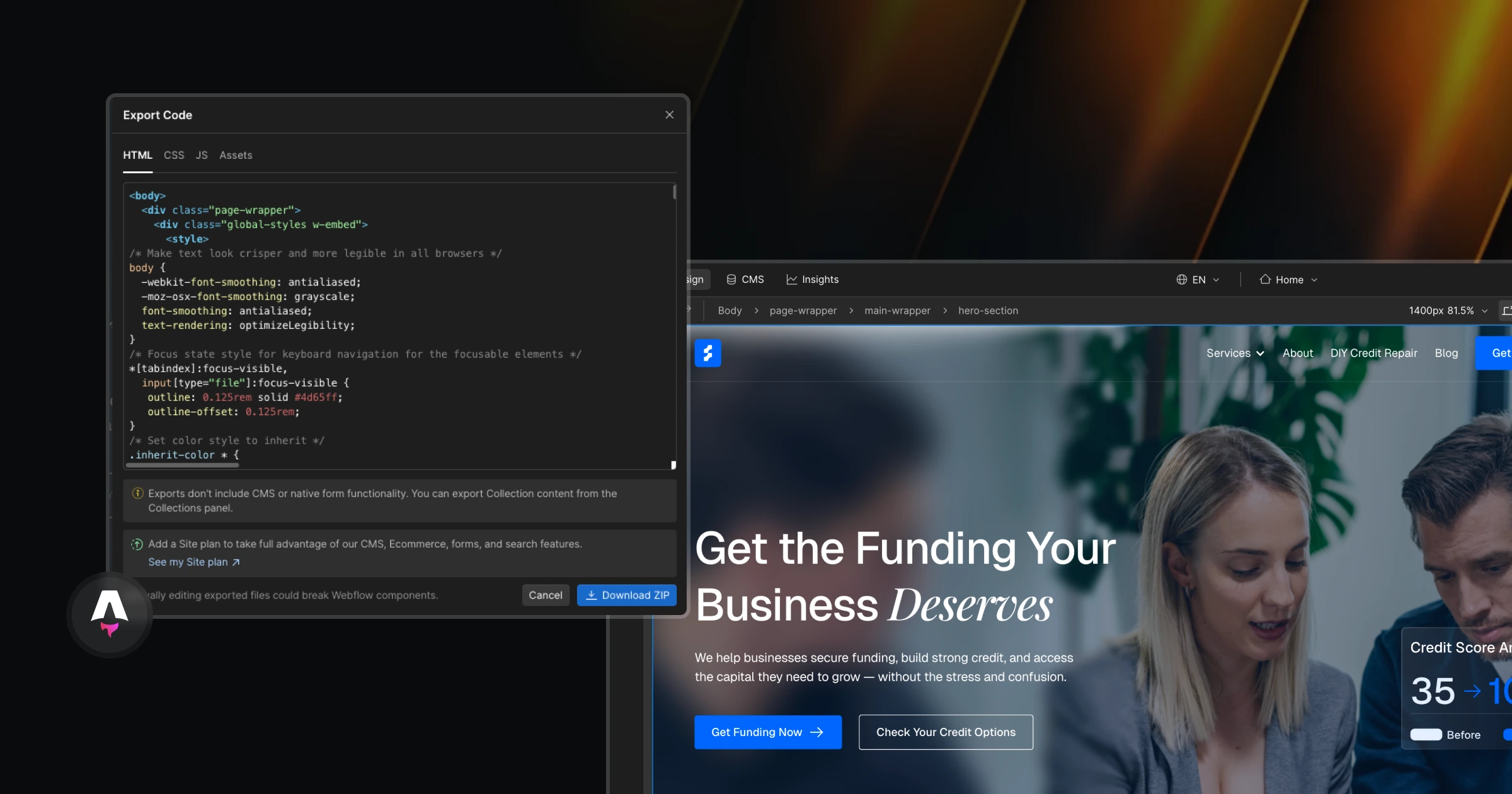
- The machine did the heavy lifting. The development was done entirely with Claude: building the pages and components in Astro, setting up the Sanity CMS, and connecting everything together. Our role was to guide it, review the code, and make the decisions.
- All content moved over. Every page, project, and text from the Webflow site went into Sanity, so nothing was lost or rewritten from scratch.
- Almost zero running costs. Astro is open source, Sanity's free plan covers a site our size, and Netlify hosts it for free. The only thing we paid for was the AI.
-
What used to be a project of a month or two for a small dev team took us less than a week. That is the real change AI has brought to custom development. But it worked so smoothly because we know how to plan a site, structure content, and check what the AI builds.
Without that knowledge, the same tools can just as easily produce a site that is hard to maintain.